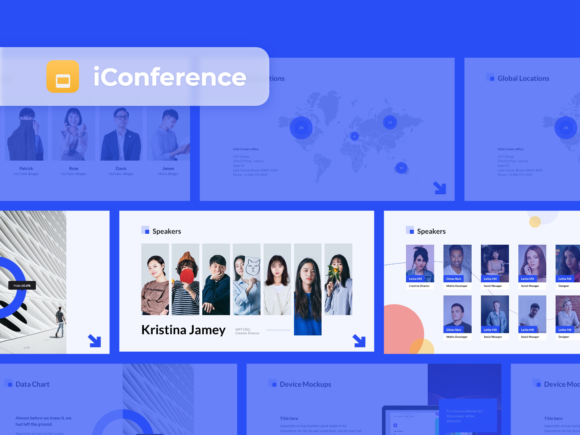
Google Slides Presentation - IConference
Unpacking the IConference Template
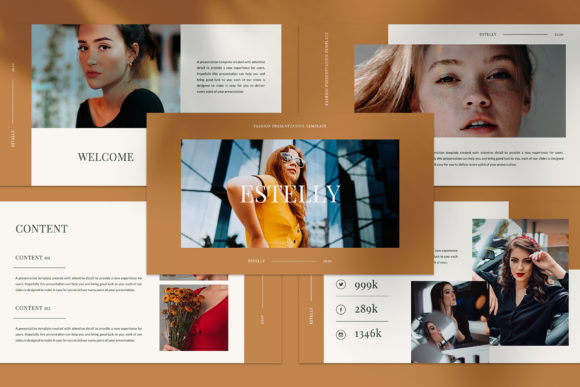
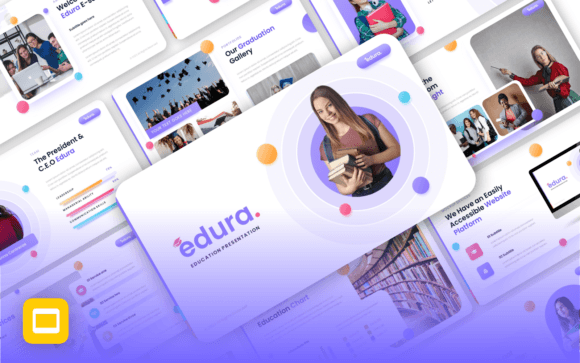
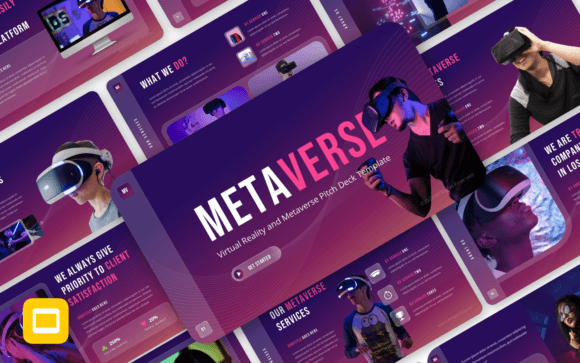
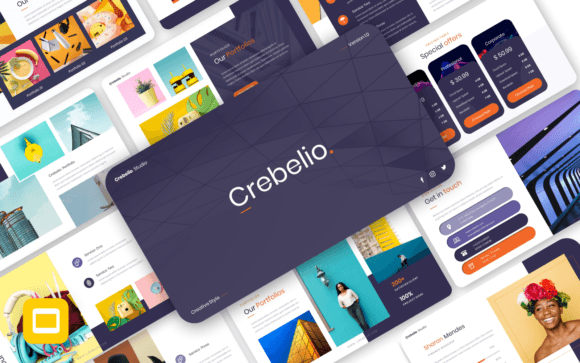
There is a specific kind of frustration that hits when you open a blank presentation file. You know the content is good, but the visual delivery feels flat. Google Slides Presentation - IConference is designed to solve that specific problem. It is not just a collection of slides; it is a structured visual system built for clarity. When you open the package, you immediately notice the clean lines and the intentional use of white space. It feels modern and highly functional. This template avoids the clutter of old-school corporate decks. Instead, it embraces a contemporary aesthetic that feels confident without being loud.
The personality of this template is professional yet approachable. It uses a layout strategy that guides the viewer's eye naturally from the headline to the supporting imagery. The visual style leans into geometric shapes and balanced grids. This creates a sense of order that audiences trust. Whether you are presenting quarterly results or launching a new product, the Google Slides Presentation - IConference provides a canvas that elevates your message. It transforms standard data into a narrative.
Real-World Applications and Versatility
One of the strongest assets of this package is its versatility. I have seen similar high-quality templates used in wildly different contexts. A startup founder might use the Google Slides Presentation - IConference to pitch investors. The clean vector icons included in the package allow them to visualize complex tech concepts without needing a graphic designer on standby. On the other hand, a social media manager could repurpose the slides as high-end static graphics for Instagram carousels. The 16:9 aspect ratio is perfect for modern screens.
The package includes over 50 device mockups. This is a massive advantage for anyone in web design or app development. You can drag and drop your screenshots directly into these shapes. This feature alone saves hours of editing time. It makes your digital products look polished and ready for the market. For marketers, these mockups are essential for showcasing responsive designs on different devices. It proves that your content works everywhere.
The Power of Included Design Assets
Typography and iconography are the backbone of a strong brand identity. The Google Slides Presentation - IConference comes loaded with 1700+ vector icons. These are not just decorative elements; they are functional tools for visual hierarchy. Because they are vectors, you can resize them to any dimension without losing quality. This is critical for maintaining a pixel-accurate aesthetic across different media. You can change their colors with a single click to match your specific brand palette.
The template also utilizes Google Free Fonts. This is a practical choice for commercial projects. You do not need to worry about licensing fees for the typography used within the design. It ensures that anyone viewing the presentation will see the fonts exactly as you intended, regardless of their operating system. The drag-and-drop image placeholders are equally efficient. They use shape masking, which means your images automatically crop to fit the design layout perfectly. This keeps your deck looking consistent, even if your source photos vary in size.
Strategic Impact on Brand Perception
Consistency is the key to brand recognition. When you use a cohesive template like Google Slides Presentation - IConference, you reinforce your brand's professionalism. Audiences subconsciously judge the quality of your content based on its presentation. A messy, disjointed slide deck can make a great idea seem unprepared. Conversely, a smooth, animated, and well-structured presentation suggests competence and attention to detail.
The "Super Smooth Animated" feature mentioned in the package details adds a layer of dynamic engagement. Movement, when used correctly, helps control the pacing of your speech. It reveals information in digestible chunks. This prevents the audience from reading ahead and losing focus. For entrepreneurs and small business owners, this level of production value was previously difficult to achieve without hiring a specialist. Now, with tools like Google Slides Presentation - IConference, you can create that "agency quality" look yourself.
Practical Tips for Maximizing the Template
To get the most out of this asset, you need to treat it as a starting point, not a finished product. Here is how to approach the customization process:
- Establish Your Color Palette First: Before you start editing text, use the "Edit Master" feature to set your brand colors. This ensures that every slide you use automatically reflects your identity.
- Curate Your Imagery: The template supports high-resolution visuals. Do not settle for blurry photos. Use the drag-and-drop shapes to insert crisp, professional images that tell a story.
- Utilize the Mockups: If you are a publisher or blogger, use the device mockups to show how your website looks on a phone versus a desktop. It adds context to your digital strategy.
- Simplify the Icons: With 1700+ options, it is tempting to use too many. Stick to a consistent icon style throughout the deck to maintain a clean look.
Ultimately, the Google Slides Presentation - IConference is more than just a set of slides. It is a workflow accelerator. It removes the technical barriers to good design, allowing you to focus entirely on your message. Whether you are a designer building a pitch deck for a client or a hobbyist sharing a portfolio, this package provides the structure and style needed to make an impact. It is a robust tool for anyone serious about visual communication.