Streamline Your Pitch with the Educationaly Keynote Template
If you're building an online course, pitching to a university, or launching a new e-learning platform, you know the challenge: you have the expertise and the content, but translating that into a polished, professional presentation is a time-consuming hurdle. The Educationaly Presentation Template for Keynote is designed specifically to bridge that gap. It’s not just a set of pretty slides; it’s a strategic tool built for the online education sector, helping you turn complex data and course outlines into a compelling visual story quickly and efficiently.
A Design System Built for Clarity and Impact
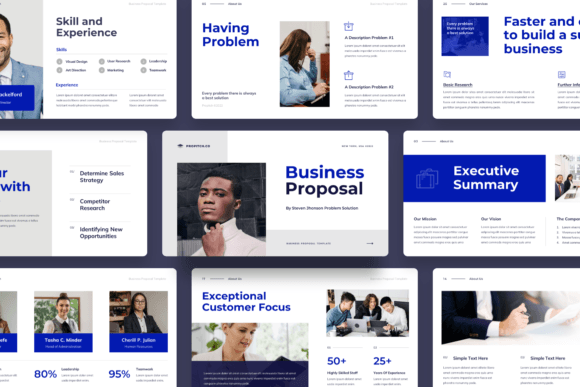
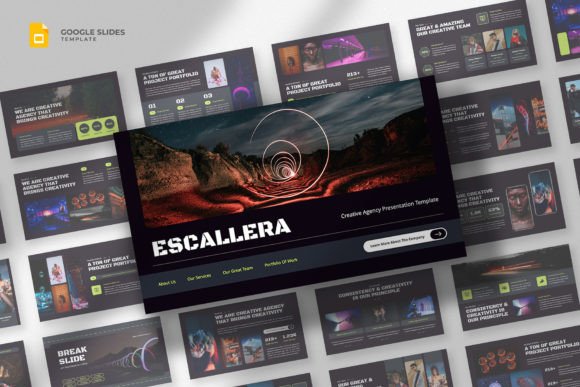
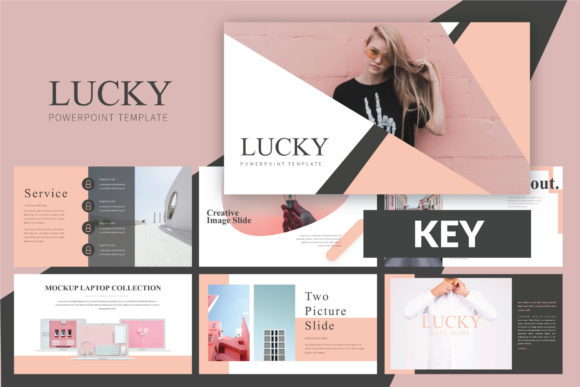
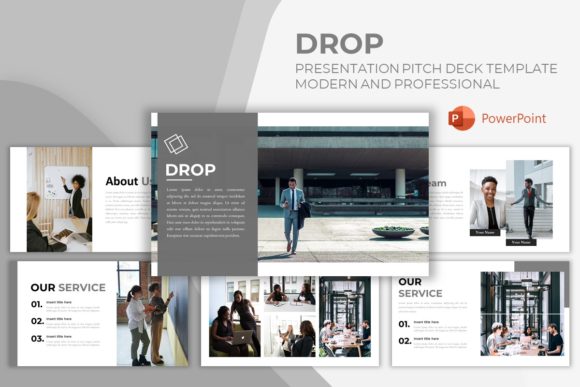
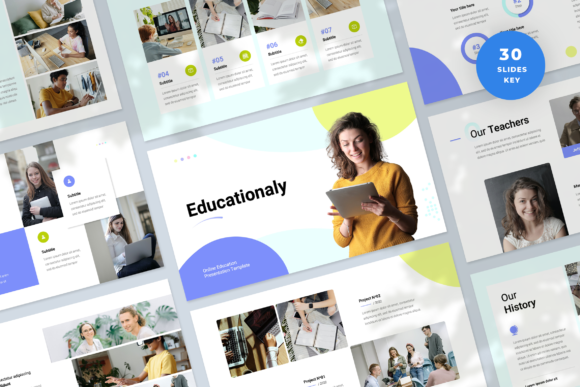
What makes this template stand out is its modern typography and clean layout. The visual personality is professional yet approachable—crucial for an audience that includes both corporate training managers and individual learners. It uses a balanced mix of sans serif font choices for readability and subtle design accents that guide the viewer’s eye. The overall appeal is one of organized competence; it signals that you value your audience’s time and understand the material deeply.
This isn't a one-size-fits-all generic template. It’s a design asset tailored for specific scenarios: pitching a new client, presenting a business portfolio for an online university, or outlining the structure of a massive open online course (MOOC). The 16:9 wide screen ratio ensures your content looks sharp on modern displays, making it ideal for webinars, investor meetings, or client screenshares. Each of the 30 slides serves a distinct purpose, from introducing your team and methodology to showcasing course modules and success metrics.
Practical Applications Beyond the Classroom
While its name points to education, the Educationaly Keynote Template has a versatility that extends to various professional contexts. Think of it as a framework for clear communication.
For marketers and brand strategists, the template can be adapted to present a content marketing strategy or a social media campaign launch. Its structured slides are perfect for laying out audience analysis, campaign phases, and projected ROI. The use of picture placeholders allows you to seamlessly integrate mockups of social media graphics or web design concepts, maintaining a cohesive brand identity throughout your talk.
Entrepreneurs and small business owners will find it invaluable for pitching to investors or partners. Whether you're a tech startup with a new learning app or a craft business launching a series of tutorial videos, the template provides a professional backbone. You can easily edit the master slides to incorporate your logo design and brand colors, ensuring consistency. The resizable and customizable graphics mean you can adapt charts and diagrams to reflect your specific data without starting from scratch.
Maximizing Your Presentation's Effectiveness
Having a great template is the first step; using it effectively is what seals the deal. Here’s how to leverage the Educationaly framework for maximum impact:
- Establish Visual Hierarchy: Use the template’s pre-defined layout to create a clear flow. Let the display font styles for headings grab attention, while the body text remains highly readable. This guides your audience through your narrative logically.
- Maintain Brand Consistency: The template’s based on master slides feature is a game-changer. By editing the master, you ensure every single slide automatically reflects your brand’s color palette and typography. This builds recognition and professionalism.
- Focus on Your Content: Because the heavy lifting of design is done, you can invest your time where it matters most: refining your message. The drag-and-drop functionality for images and the easy-to-edit text fields mean you’re not wrestling with software.
Key Considerations Before You Present
Before you dive in, take a moment to evaluate fit and prepare your assets. The KEY file included is ready to go, but a little preparation makes the process smoother.
First, review the included styles. Familiarize yourself with the slide variants—there are layouts for timelines, team introductions, data-heavy slides, and more. Choose the ones that best match the flow of your specific pitch or lesson plan. Second, prepare your imagery. While the demo images are for preview, having your own high-quality photos or icons ready to drop into the placeholders will personalize the presentation instantly. Lastly, consider your font pairing if you wish to introduce a secondary typeface. The template’s free web fonts are carefully selected, but if you have a brand-specific script font or handwritten font for accents, use it sparingly to maintain the clean, professional aesthetic.
The Educationaly Presentation Template is more than just a collection of slides; it’s a efficiency tool for serious professionals. It understands that in the competitive world of online education and business pitching, clarity, professionalism, and speed are paramount. By providing a structured, beautiful, and highly editable foundation, it allows you to focus on what you do best: sharing your knowledge and vision with confidence.