Oishii – Google Slide Template: Fresh Design for Modern Presentations
Creating a presentation that feels both professional and genuinely engaging can be a real challenge. You want something that looks polished without spending hours tweaking layouts, and you need a design that communicates your message clearly. The Oishii – Google Slide Template steps in as a thoughtful solution, offering a collection of slides that move beyond repetitive layouts to give each idea its own visual space.
What Makes This Template Stand Out?
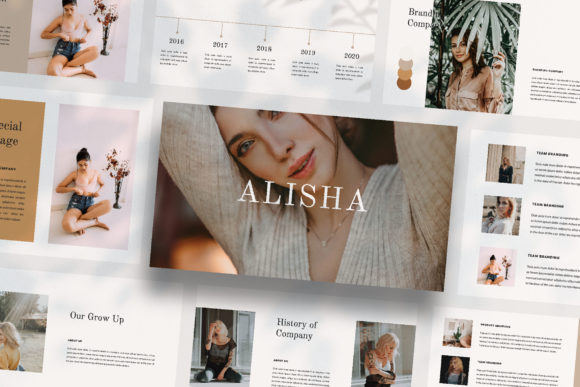
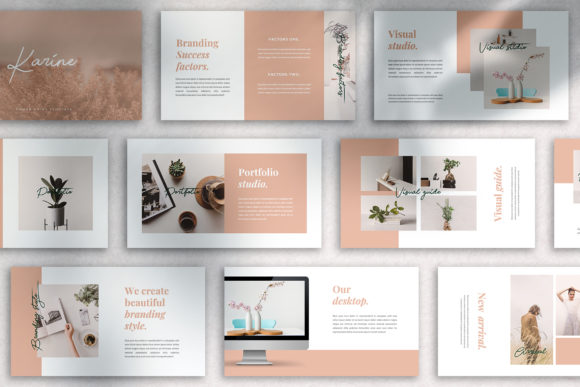
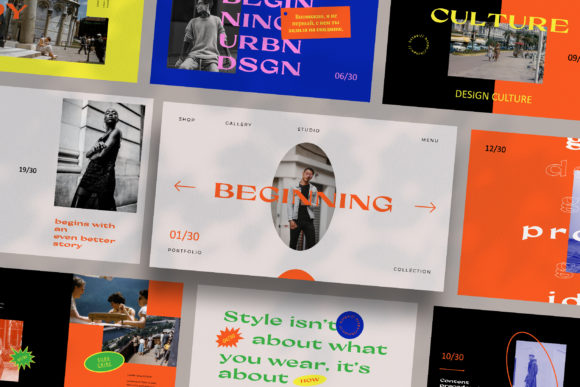
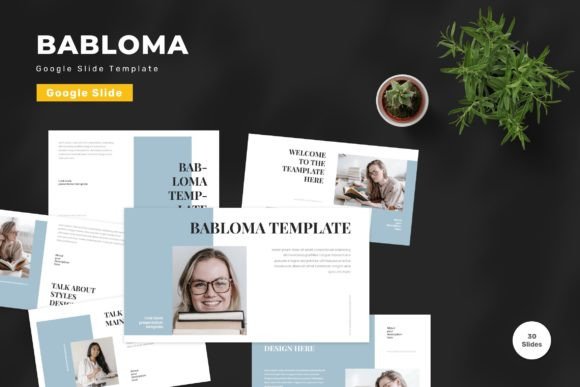
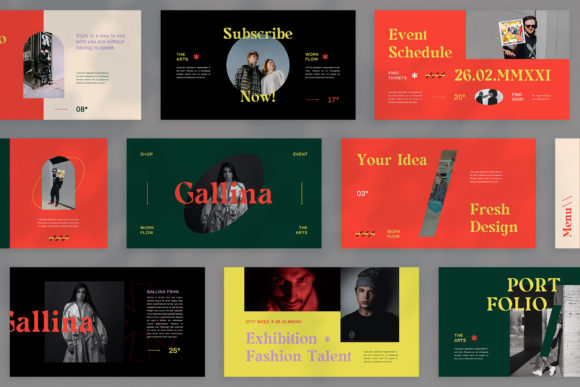
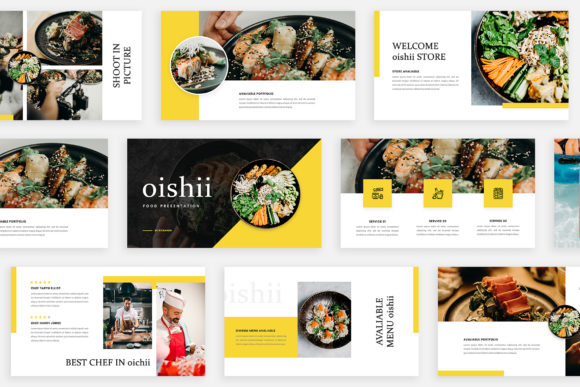
At its core, Oishii is built on the principle that every slide should tell a part of your story, not just repeat a frame. With 36 unique slides, it avoids the common trap of having one "good" layout you use ten times. Instead, you get a variety of compositions—from clean, text-focused slides to dynamic image placeholders and magazine-style spreads. The visual personality is modern, clean, and slightly editorial. It uses whitespace effectively, creating a sense of clarity and focus that helps your audience absorb information without feeling overwhelmed.
The template is delivered in PPTX format at a crisp 1920×1080 pixel resolution, ensuring your presentation looks sharp on any screen. A standout feature is its automatic color change capability. You can quickly adapt the entire theme to match your brand's palette, which is a huge time-saver for maintaining brand consistency across different projects or clients.
Where Does Oishii Excel?
This template is particularly effective for professionals in digital media, marketing, and branding. Imagine pitching a new campaign to a client—Oishii’s lookbook-style layouts are perfect for showcasing visual concepts, mood boards, or product photography in a way that feels curated and intentional. Entrepreneurs and small business owners will find it valuable for investor pitches or internal strategy meetings where a clear, professional narrative is crucial.
Beyond the corporate world, its clean aesthetic works well for personal projects, bloggers, and content creators. If you're designing a workshop presentation, a webinar deck, or a portfolio showcase, the template provides a sophisticated backdrop that lets your work take center stage. The magazine and lookbook layouts are especially useful for anyone in fashion, design, food, or lifestyle niches where visual storytelling is paramount.
Practical Design Considerations
When incorporating a template like Oishii, think about visual hierarchy. The varied layouts are designed to guide the viewer's eye. Use the more spacious, image-forward slides for key takeaways or compelling visuals, and the text-centric layouts for detailed explanations. This creates a natural rhythm in your presentation, preventing monotony and improving information retention.
The template uses free fonts, with links provided in the help guide. This is a practical touch, as it removes the guesswork and potential cost of sourcing typefaces. Before finalizing your presentation, test your chosen font pairings across a few key slides to ensure readability at both the header and body text levels. The slide master functionality means you can make broad changes efficiently, but always double-check the flow after making global edits.
Remember, the included images are for illustration purposes only. You'll need to source your own high-quality photographs or graphics that align with your message. This is actually an advantage—it forces you to be intentional about your visual assets, ensuring every image reinforces your brand identity and story rather than being generic filler.
A Tool for Professional Communication
Ultimately, the value of a tool like the Oishii – Google Slide Template lies in its ability to streamline the design process while elevating the quality of your output. It’s not just about making something look pretty; it’s about creating a professional, coherent visual language that builds trust with your audience. Whether you're aligning a team, winning over a client, or sharing your creative vision, starting with a strong, well-structured foundation like this allows you to focus on what truly matters: your content and your connection with the room.